

GxP suite for regulated manufacturing
From procedure to batch release, in a single system.
Your plant, documents, materials, equipment, laboratory and quality teams all work on the same record for every batch. With 21 CFR Part 11 electronic signatures and an audit trail in every module.
- 21 CFR Part 11
- EU GMP Annex 11
- ICH Q9 · Q10
- ALCOA+
- 21 CFR 211
- BR
Digital Batch Record PR-FAB-012 v7Opened from the effective master, signed
- MT
6 of 6 components dispensedAll released · scale BAL-03
- EQ
Granulator GR-02Calibration valid until Feb 11, 2027
- PLC
Granulation temperature
Live - LIMS
Dissolution: 71% at 30 minSpecification ≥ 80% · out of specification
- QMS
OOS-2026-0031 openedNo manual entry, result attached
- REL
Batch releaseWaiting for the investigation to close
Why a single suite
It doesn't just record the error. It prevents it.
When every department runs its own system, errors surface during batch record review. When they all share the same record, the system stops the error as it happens.
A batch record can only be opened from the effective, approved version.
The master batch record lives in document management: every change goes through review, approval and signature, and a draft or obsolete master cannot be used on the floor. Any attempt is logged in the audit trail and its author is notified.
Quarantined material cannot be dispensed.
Dispensing checks the quality status of each material lot before weighing, then records the lot genealogy.
When a scale goes out of tolerance, you know which batches to review.
The system finds every batch that used the equipment since its last passing calibration.
An out-of-specification result opens the investigation on its own.
The OOS is created in quality with the result attached, and the batch cannot be released without approved results.
Every PLC reading is tied to its batch.
Process variables sit next to that batch's OEE, downtime and lab results.
The suite
Nine modules, one batch record.
All of them run in production today. Modules are enabled per company, so you can start with one and add the rest without migrating data. And for processes beyond manufacturing, KulturPro BPMS is joining the suite.
Operations
What happens on the floor
Quality
What decides if the batch ships
Governance
What holds up in an inspection
Document management and Digital Batch Record
The Digital Batch Record is designed as a master template with variables, tasks and calculations, goes through review and signature, and can only be opened on the floor from the effective version. Also includes SOPs, required reading, document packages, process maps and an AI writing assistant.
Computer system validation
Signed protocols, execution with evidence and a CSV report.
Supplier and contract client portal
Each external organization sees its own records and nothing else.
Company processes
Everything that isn’t the batch
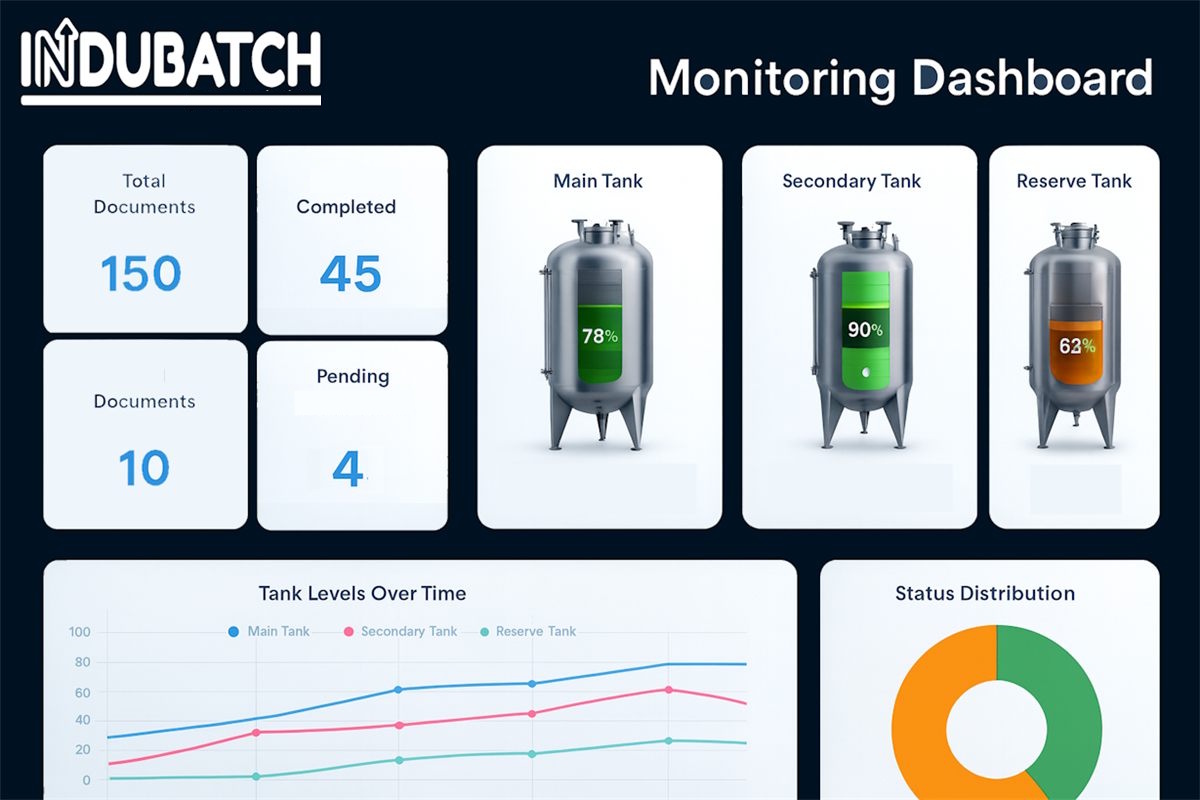
Plant & PLC
See the line the way the PLC sees it, batch by batch.
InduBatch reads process variables from your PLCs and stores them with the batch being manufactured. OEE, downtime and rejects are shown in the same context.
- Live process variables, with history per batch
- Connection status for every PLC
- OEE by line and equipment: availability, performance and quality
- Downtime with reason codes, planned and unplanned
- Golden batch profiles and control charts on the same variables
Compliance
Built for inspection day.
Every regulation your auditor will check has a concrete answer in the system, not a paragraph in a brochure.
- 21 CFR Part 11
- Electronic signatures with meaning and a second factor, in every module. Records cannot be altered once signed.
- EU GMP Annex 11
- An audit trail of who, what, when and why, with assisted review so nobody has to read it line by line.
- ICH Q9 · Q10
- A reusable risk matrix, CAPA with effectiveness checks, change control and management review.
- 21 CFR 211 · OOS guidance
- Second-person review in the lab, OOS investigations and batch disposition.
- CSV · GxP
- A validation package with URS, IQ, OQ and a traceability matrix, plus protocols executed and signed inside the system.
- ALCOA+
- Data originates in the system, from the PLC, the scale or the analyst, never copied from a spreadsheet.
Integrations
Connects to what you already run.
Without replacing your ERP or your plant controls.
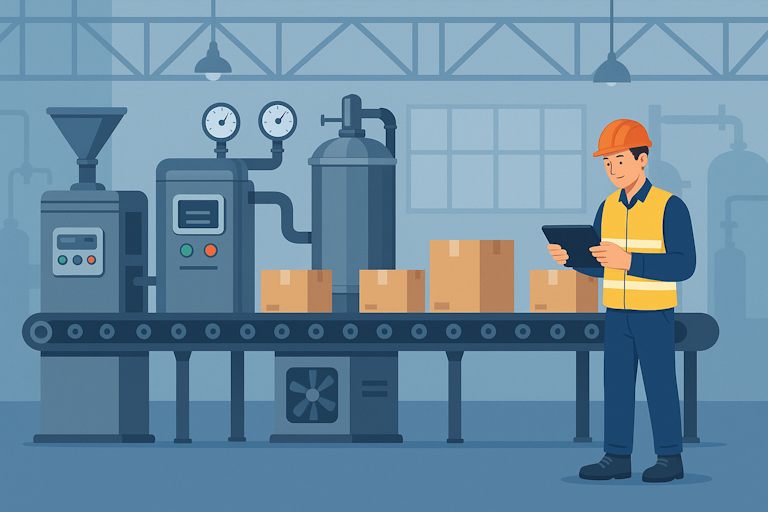
The batch record is completed where it happens.
Each plant tablet receives its station’s forms and reports its signal and sync queue, so you know whether capture is up to date.
Plant PLCs
Reads process variables and equipment status.
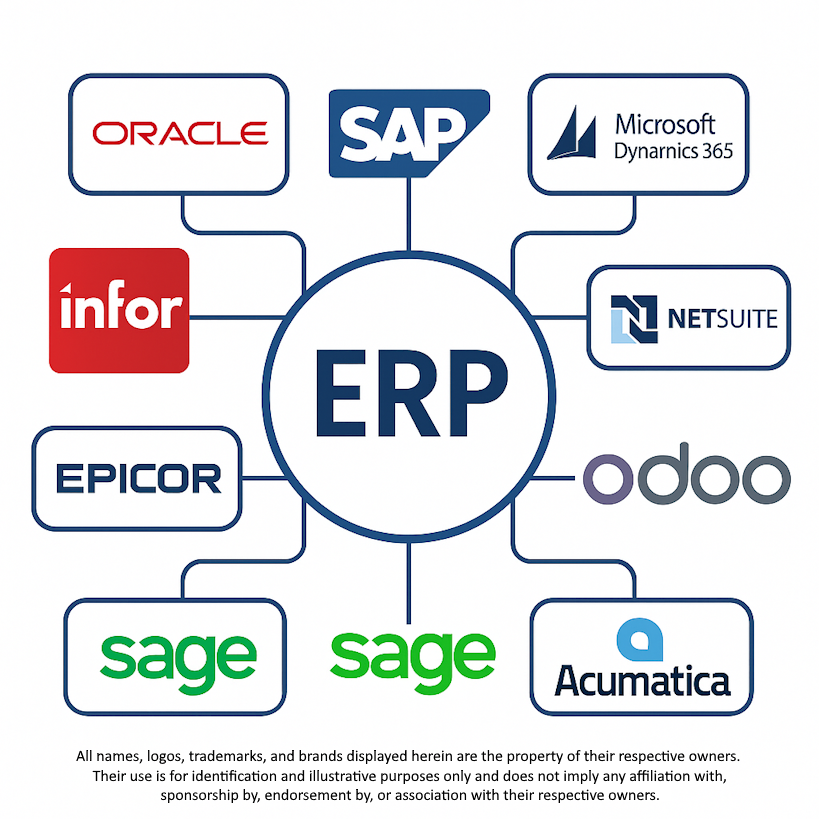
ERP
Products, orders and batches kept in sync with your corporate system.
Controlled printing
Controlled document copies with watermark and numbering.
Microsoft Entra ID and Active Directory
Your people sign in with their company account.
Corporate email
Notifications for tasks, due dates and pending signatures.
Attachment malware scanning
Every file uploaded by suppliers and clients is scanned before it gets in.
FAQ
What quality and plant teams usually ask.
Do I have to implement all nine modules?
No. Modules are enabled per company. Start with the one that solves your most urgent problem and add the rest later, on the same data.
Which PLCs can be connected?
Plant monitoring already runs with PLCs in production. During the demo we review the make, model and protocol of yours to confirm the connection.
Is the system validated out of the box?
No software arrives validated for your intended use: validation depends on how each plant uses it. InduBatch is validation-ready, ships with a validation package, and includes a module to execute and sign the protocols.
Can my suppliers and contract manufacturing clients log in?
Yes, through a separate portal. Each organization only sees its own records: suppliers answer their corrective action requests and contract clients check their batches.
Which languages does it support?
English, Spanish, French, German and Portuguese. Each user picks their own, and each company can adjust the terminology.
Does it handle multiple plants and companies?
Yes. Data, users and enabled modules are separated per company.
Personalized demo
See it with a batch like yours.
Tell us what you manufacture and what worries you today. We'll tailor the demo to the modules you care about.
- Phased implementation with specialist support
- Integration with your ERP and PLCs
- Full training for operations, lab and quality teams